 English
 Polish
 Français

Module described in this documentation:llms.txt SEO for AI — view in the store →
Module overview
The AI SEO & llms.txt Generator module automatically creates an llms.txt file — a new standard that helps AI systems understand your store.
What the module enables
The module generates an llms.txt file compliant with the llmstxt.org standard, which helps AI search engines (ChatGPT, Claude, Gemini, Perplexity) understand the store's content. The administrator has full control over the file's content: choosing which products, categories and CMS pages to include, setting section priorities (drag & drop), adding custom entries (landing pages, social media), excluding selected elements and configuring access control for AI bots. The module supports multiple languages (a separate file per language) and also generates full descriptions in Markdown format (.md).
Key features
- Automatic generation of the llms.txt file
- Support for multiple languages
- Full control over the content
- Generation of Markdown files (.md)
- Section priority system (drag & drop)
- Custom entries (landing pages, social media)
- Exclusions of selected elements
- Auto-regeneration on changes
- CRON support
- Access control (blocking AI bots)
Requirements
| PrestaShop | 1.7.0 - 8.x |
| PHP | 7.2+ |
| SSL | Recommended (HTTPS) |
Installation
- Download the module's ZIP file from the presta4you.com store
- Log in to the PrestaShop administration panel
- Go to Modules > Module Manager
- Click 'Upload a module' and select the downloaded ZIP file
- After installation, click 'Configure' to set up the module
Configuration
After installing the module, go to its configuration. Below are screenshots of the configuration panel with descriptions of the individual tabs:
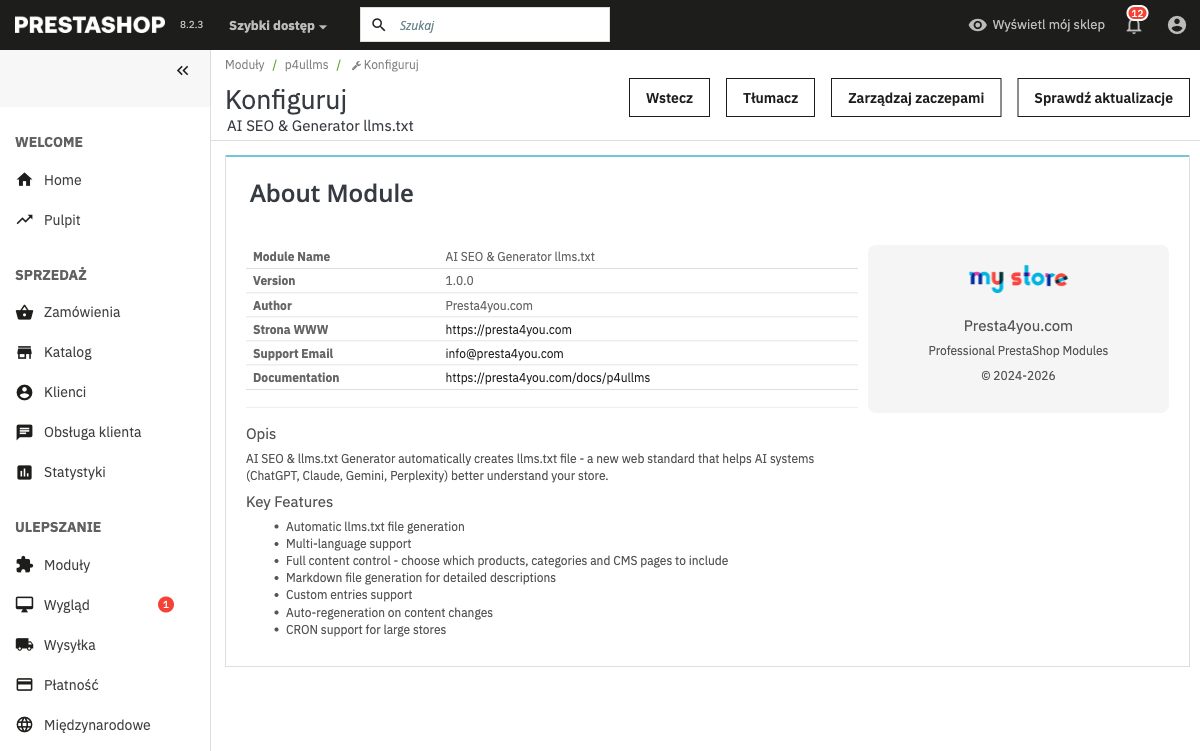
About the module
Information about the module — version, author, license, links to the documentation and the manufacturer's website.
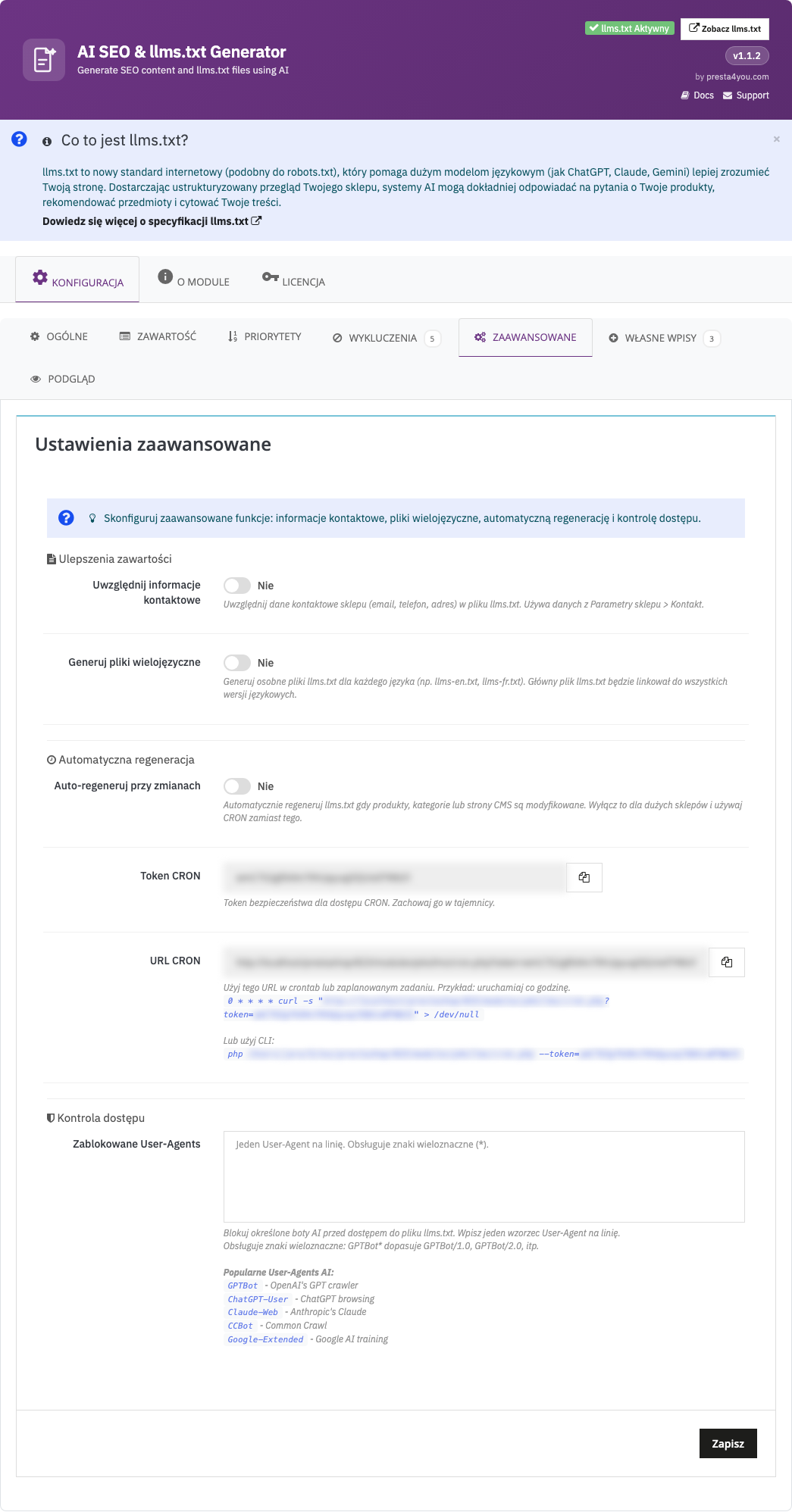
Advanced
Advanced settings — CRON configuration for automatic regeneration, AI bot access control (blocking/allowing specific user agents), output format, generation of Markdown files.
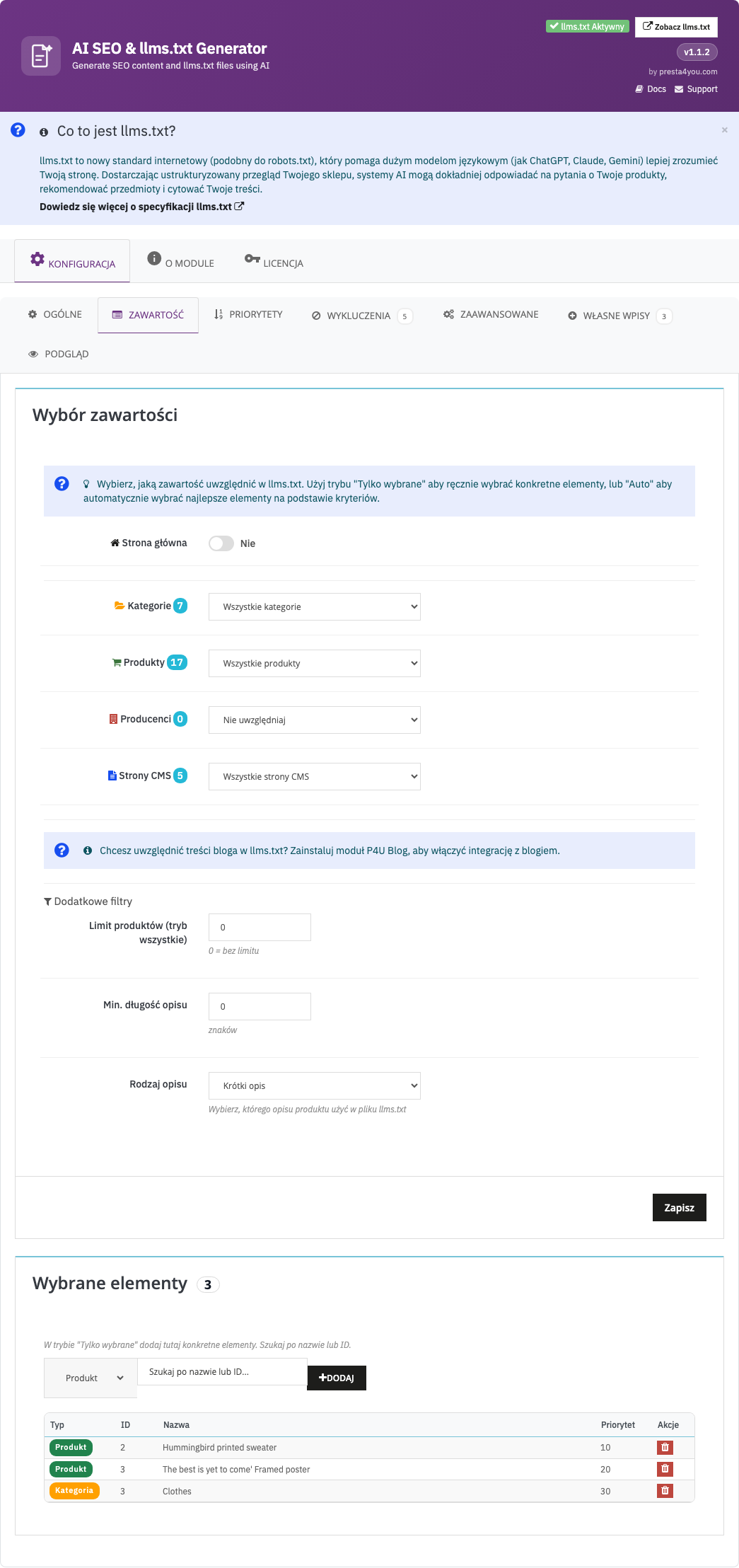
Content
File content — selecting which elements to include in llms.txt: products (all/featured/bestsellers), categories, CMS pages. For each type you can set limits and filters.
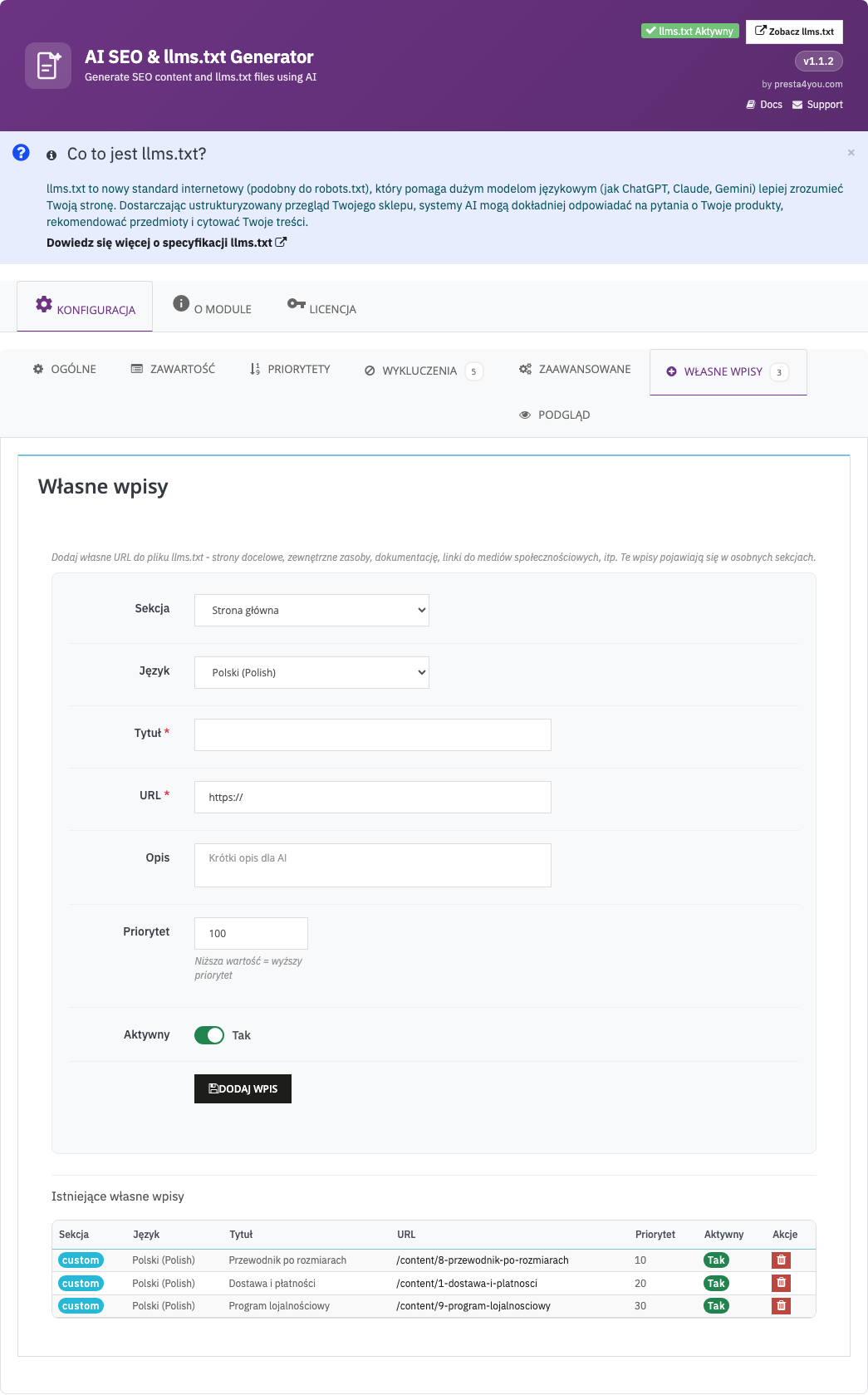
Custom entries
Custom entries — adding any links and descriptions to the llms.txt file, e.g. landing pages, social media links, special offers. Each entry has a title, URL and description.
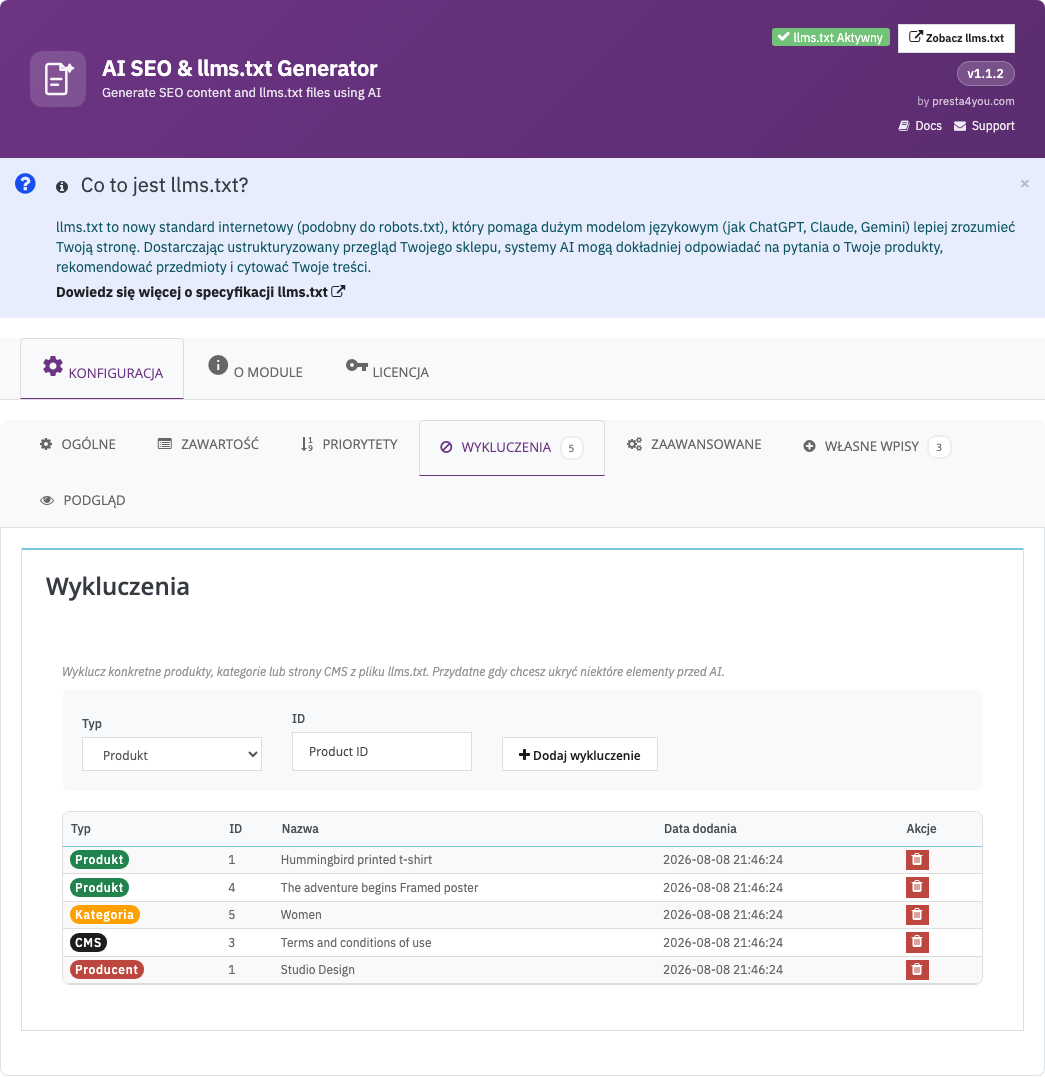
Exclusions
Exclusions — a list of products, categories and CMS pages that should not appear in the llms.txt file. Useful for hiding internal, test or non-public pages.
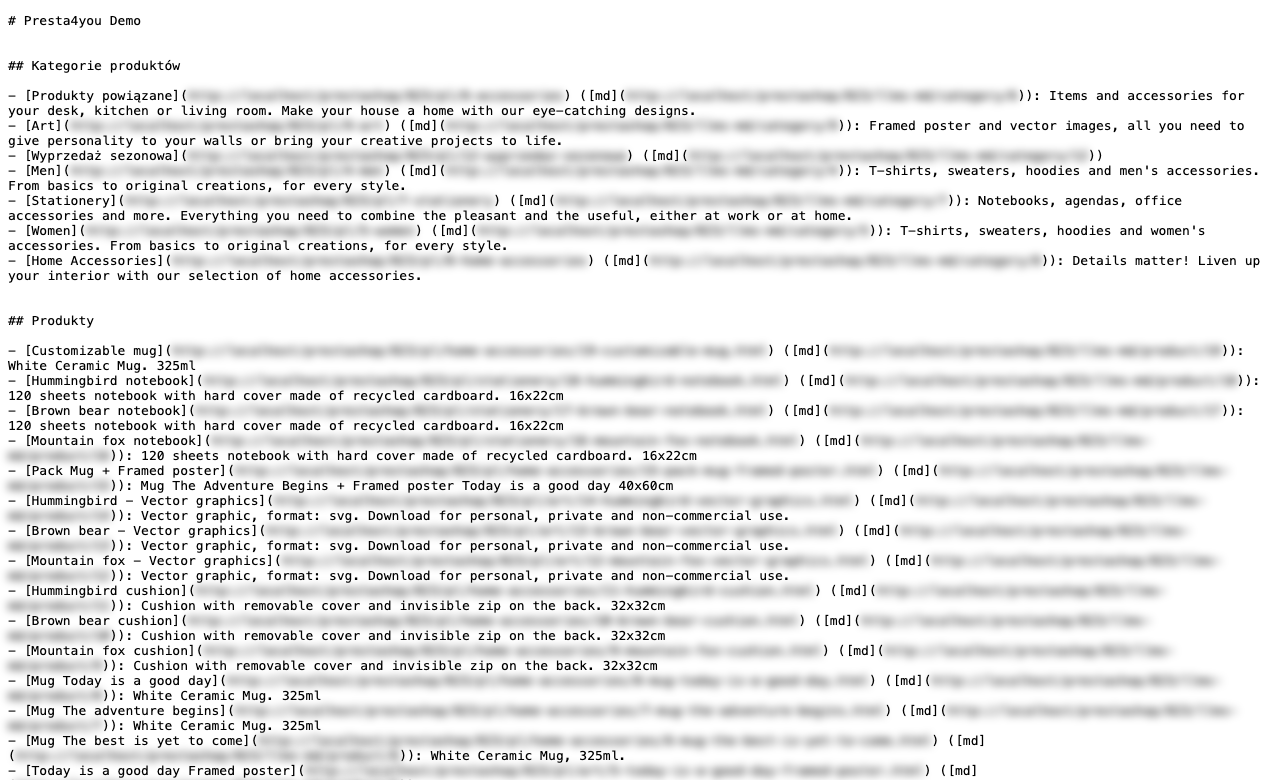
Store view
A view of the generated llms.txt file in the browser — exactly as AI bots see it. It shows the full content of the file with Markdown formatting.
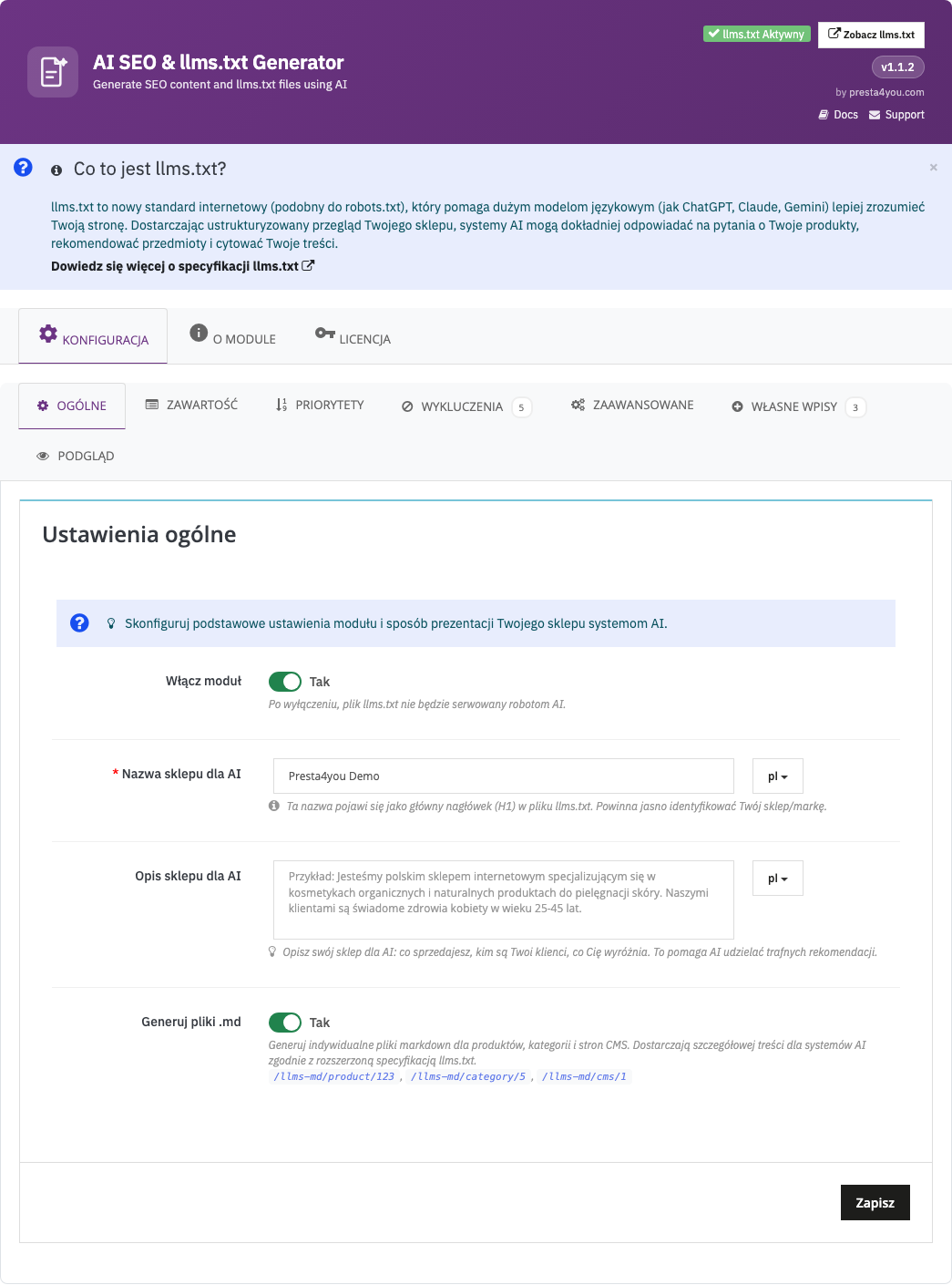
General settings
General settings — enabling/disabling llms.txt generation, choosing languages, auto-regeneration on store changes, file URL path settings.
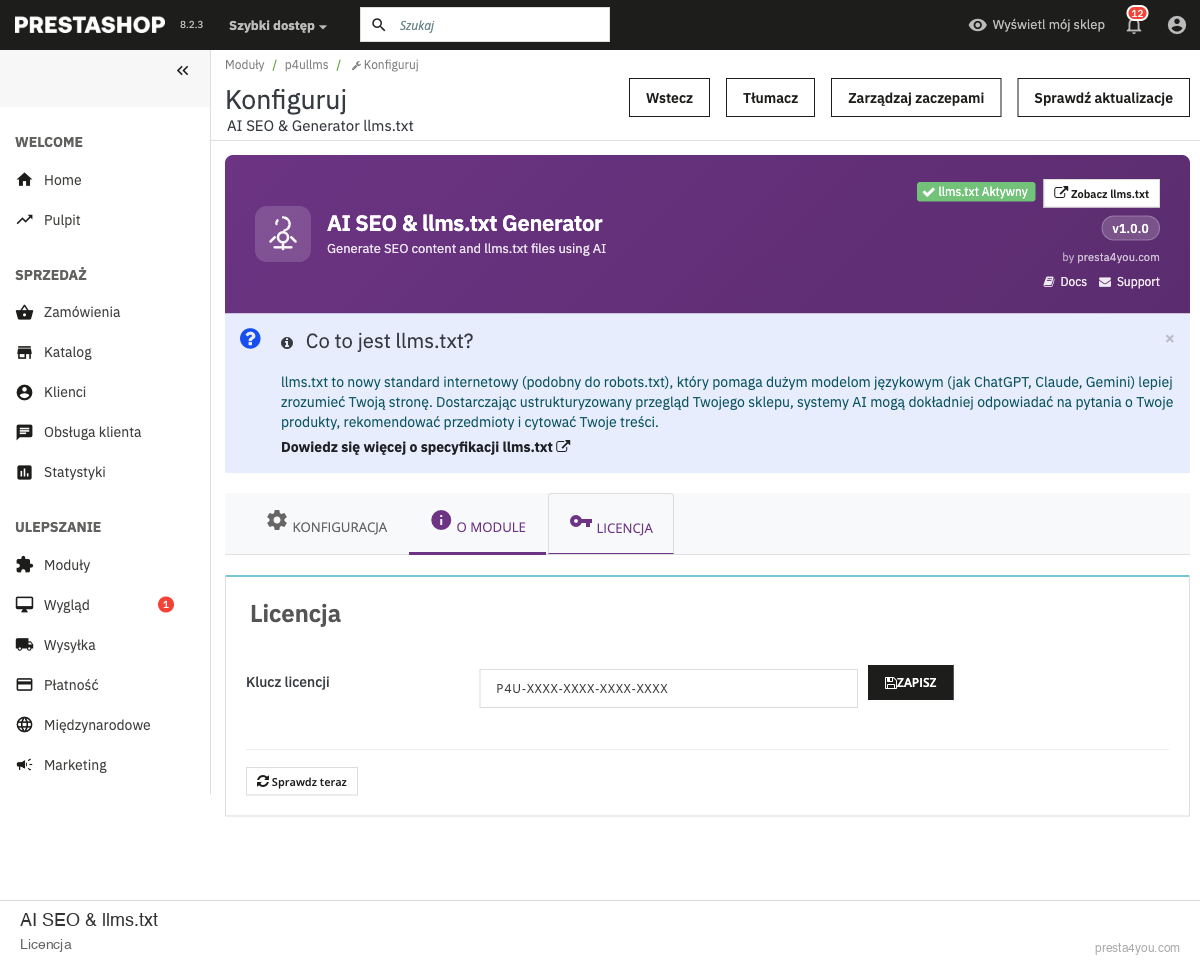
License
License tab — information about the active license, key, expiry date, status.
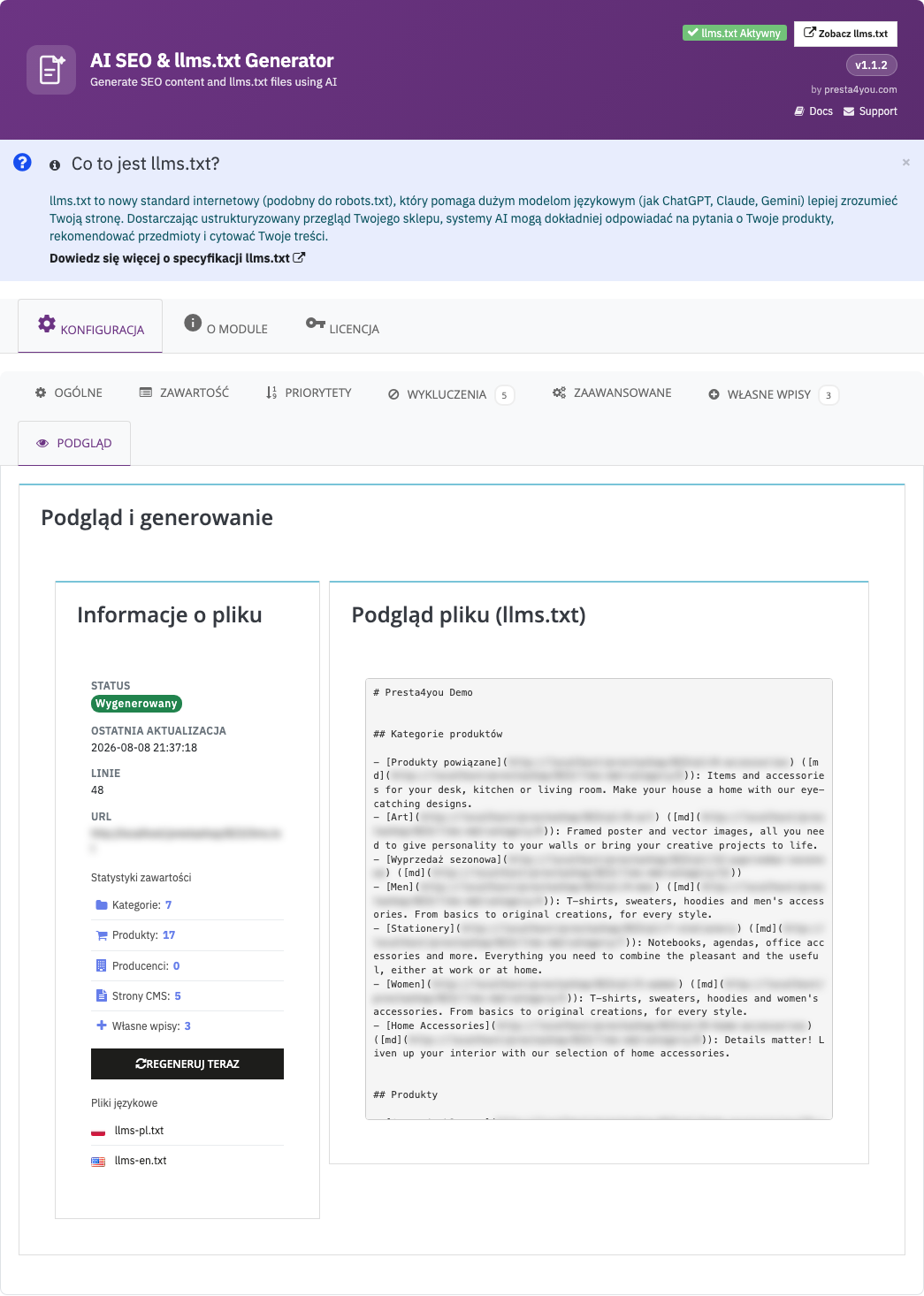
Preview
A preview of the generated llms.txt file — it shows the current generation result with all sections, links and descriptions. A regeneration button.
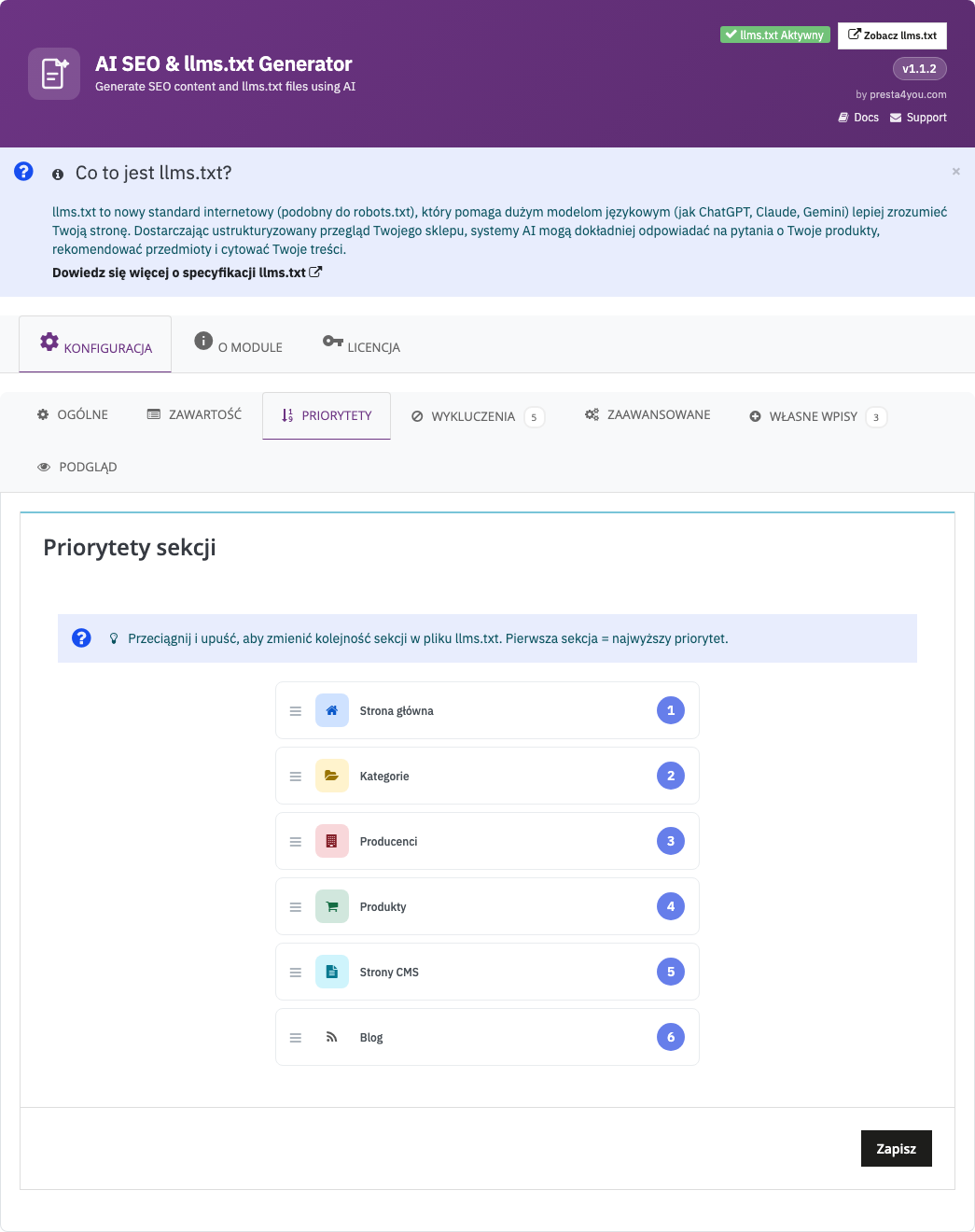
Priorities
Section priorities — drag & drop sorting of the order of sections in the llms.txt file. More important sections (e.g. products) at the top, less important ones (e.g. CMS) lower down.
FAQ
Q: What is llms.txt?
It is a new web standard (llmstxt.org) that helps AI systems understand the content of your website.
Q: Will it help with SEO?
llms.txt is a new channel — AI search engines increasingly recommend stores that have this file.
Q: Can I block selected bots?
Yes, the module lets you control which AI bots have access to the llms.txt file.
Support
Need help? Get in touch with us!
| info@presta4you.com | |
| WWW | https://presta4you.com |
Everything described in this documentation is handled by the llms.txt SEO for AI module. Installation takes a few minutes and the configuration works exactly as described above.
View the module in the storeUpdates and technical support · VAT invoice