 English
 Polish
 Français
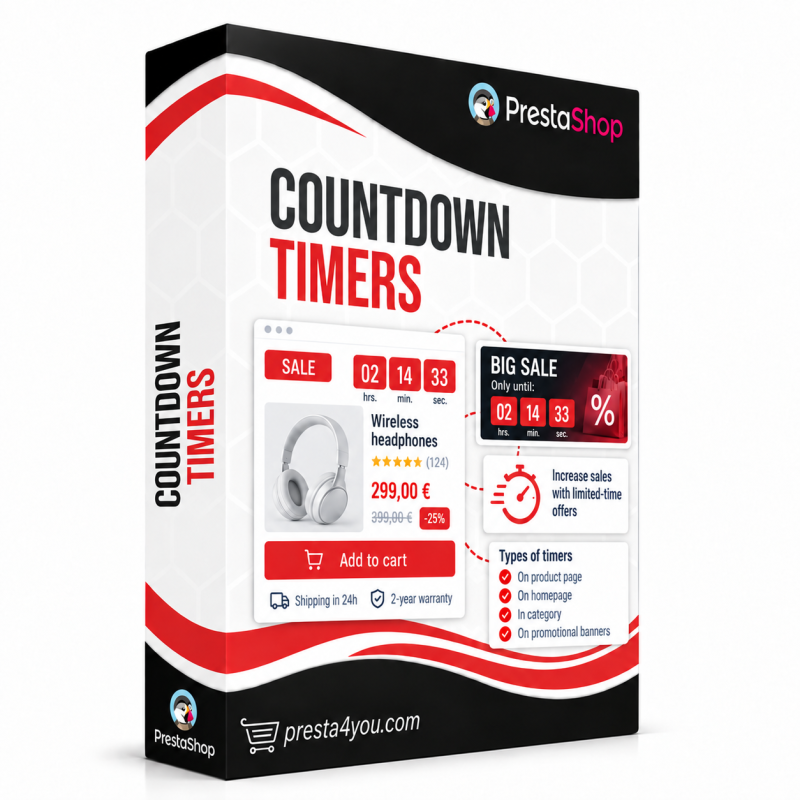



Animated countdown timers on products, cart, homepage and a sticky site-wide bar — boost urgency and conversion. Copy-code button, schedule, stats. 5 styles, 5 types, auto-sale.
The most common reason for an abandoned purchase is a lack of urgency — the customer thinks "I'll buy later" and never returns. A visible, ticking timer counting down to the end of the offer breaks that hesitation and drives a decision here and now. It's one of the simplest yet most effective ways to lift your store's conversion.
The Countdown Timers module adds elegant, animated clocks on product pages, listings, the cart, the homepage, as a banner, and as a sticky site-wide bar. Assign them to chosen products and categories, add a discount-code button, set a display schedule, and review view and click statistics — the module can also launch timers automatically based on your catalog's promotion dates, with no extra work.
A ticking "only X left…" clock creates real scarcity and motivates the customer to buy now instead of putting it off.
Digital, flip clock, circular, minimal text, and pulsing — pick the look that matches your store's design.
Fixed date, cart timer, cyclic (daily/weekly), per-visitor "evergreen", and automatic from a promotion.
Have a product with a specific price and an end date? The module shows a countdown to the end of the discount automatically — zero extra configuration.
Add an action button below the clock: a link to any page, or "copy discount code". One click copies the code to the clipboard and the label switches to "Copied!" — the customer heads straight to checkout with the discount ready.
Set a "show from" and "show until" date plus the days of the week. The timer activates and deactivates itself at the right time — perfect for weekend sales and recurring campaigns, with no manual switching.
New "page top" and "page bottom" positions show a sticky timer bar across the whole store. Page content is pushed automatically, so the bar never covers your menu or content.
Every campaign has its own view and click counters (Views/Clicks columns in the campaign list). You instantly see which timers actually drive traffic and sales, and which ones are worth scaling.
Custom background, digit, label, and separator colors with a live preview. Choose the units (days/hours/minutes/seconds), the timezone, and the action after expiry.
Show the timer exactly where you want: specific products, whole categories, the cart, homepage, a banner, or a sticky bar. Responsive, multilingual, and multistore-ready — each campaign separately.
Data sheet
