 English
 Polish
 Français
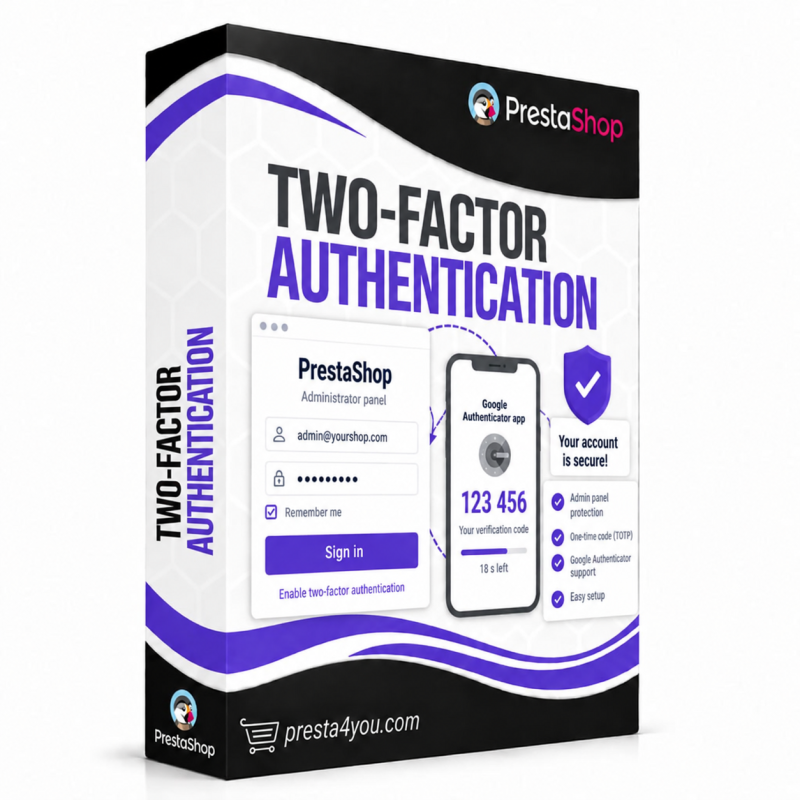



A second sign-in factor for the back office: a code from an app or from e-mail. One package covers PrestaShop 1.7, 8 and 9. Cut access off remotely, and make sensitive actions ask again.
No version of PrestaShop, including 9, ships a second authentication factor for the back office. The admin panel is defended by a password alone, and passwords leak: through phishing, through an employee's infected laptop, through a breach at some other site where the same string was reused.
The Two-factor authentication module adds a second factor: a 6-digit code from an authenticator app or from e-mail. But it goes further than typical 2FA, because a PrestaShop shop is rarely taken over through a cracked password. It is taken over through a hijacked, already-open session, in which the attacker simply gives themselves a second administrator.
A code from Google Authenticator, Microsoft Authenticator, Authy, 1Password or Bitwarden works with no network connection. E-mail codes are simpler for non-technical staff and are the way back in when someone loses their phone. You can enable both at once.
Adding an employee, changing permissions, exporting the customer database, touching payment configuration — the module demands a code again, even in a session that has already been verified. Six ready presets, your own rules, and a "Record this page" button, because nobody knows PrestaShop page names by heart.
A departing employee, a stolen laptop, a suspected compromise. End their sessions and revoke their trusted devices in one click, effective on their very next request. No other PrestaShop 2FA module can do this.
PrestaShop 9 removed every login hook. Instead of two separate implementations, the module guards the session rather than the login event — one code path covers all three generations, from PHP 7.1 to 8.4.
Three independent ways back in: e-mail codes, ten single-use recovery codes, and an emergency unlock from the command line or by a file on the server. Every unlock is written to the event log.
Who, when and from which IP — pairings, good and bad codes, lockouts, revoked sessions. Plus an e-mail to the employee whenever their account is used from a new device or a new IP address.
Data sheet
