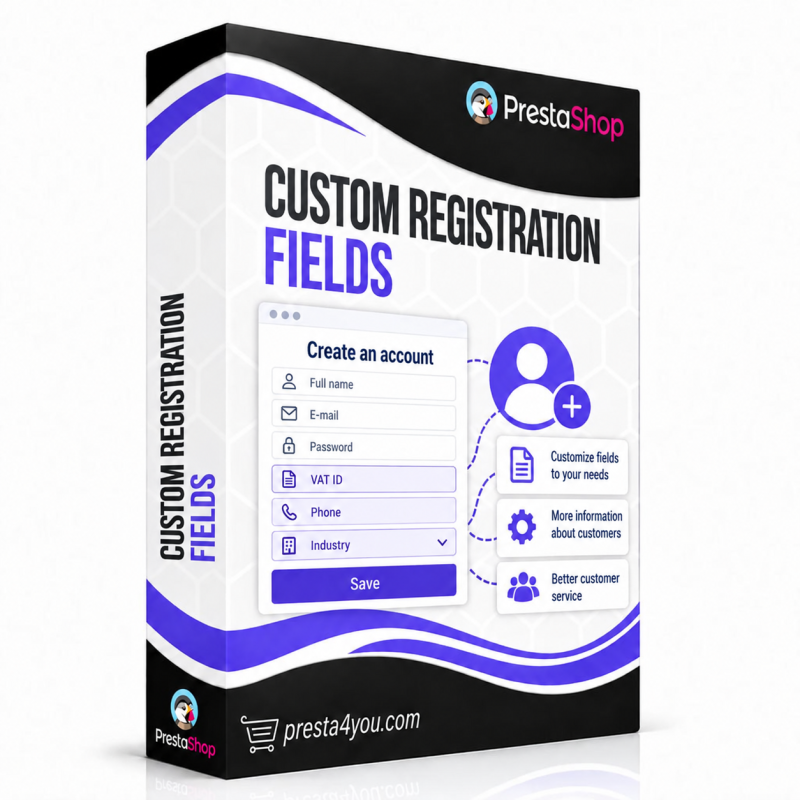
Custom Registration Fields

Any fields on the registration and account forms: tax ID, company, phone, industry, GDPR consents. 13 field types, NIP/REGON validation, GUS/VIES lookup, CSV export — no coding.

PrestaShop 1.6 PrestaShop 1.7 PrestaShop 8.x PrestaShop 9.x ionCube
  • Wersje językowe: PL, EN, FR, ES
Licencja: Dożywotnia dla 1 sklepu
149,00 zł netto
(183.27 zł brutto)
Natychmiastowe pobieranie
12 miesięcy wsparcia
Zwrot 14 dni

Need help?

Our team is ready to answer all your questions.

Get in touch

Collect any customer data right at registration

The default PrestaShop registration form collects the bare minimum: first name, last name, e-mail. But what if you need a tax ID, company name, phone, industry or GDPR consents? The Custom Registration Fields module lets you add any fields to the registration and account forms — without writing code, entirely from the admin panel.

Create text inputs, dropdowns, radio buttons, checkboxes, dates, file uploads and GDPR consents. Validate Polish NIP and REGON with a checksum, fetch company data from GUS and VIES, show fields conditionally and automatically assign customers to groups. Collected data appears on the customer page and exports to CSV.

Especially useful for:

  • B2B stores — tax ID, company name and REGON with validation and automatic GUS lookup
  • Mixed B2C + B2B sales — fields shown conditionally, only to selected customer groups
  • GDPR-conscious stores — consent checkboxes linked to a CMS page, with a timestamp
  • Any store that needs more data — phone, industry, job title, customer number — anything

Module capabilities

Full in-admin field manager

Add, edit, duplicate, reorder and delete fields and their options — without touching code or the database. Configure every field in a few clicks.

13 field types

Text, textarea, e-mail, phone, number, dropdown, radio buttons, multiple checkboxes, single checkbox, date, file upload, GDPR consent and heading/separator.

Advanced validation

Required, min/max length, custom regex, e-mail, number, phone, uniqueness and the checksums of Polish NIP and REGON — with error messages in every language.

Company lookup via GUS + VIES

A "Fetch from GUS" button next to the tax ID field auto-fills the company name and address from the REGON registry. EU VAT numbers are validated via VIES.

Legally sound GDPR consents

Consent checkboxes linked to a CMS page (Privacy Policy, Terms), mandatory, with a stored timestamp. A consent is never pre-ticked — full GDPR compliance.

Conditions and automatic groups

Show a field only in B2B mode, for selected groups, or when another field has a value. Based on the answer, automatically assign the customer to the right group (e.g. wholesalers).

Data preview and CSV export

Collected values are shown on the customer page and (optionally) as a column in the customers list. Export the whole answer base to a CSV file with one click.

Multilingual, GDPR and multistore

Labels, placeholders, options and messages in every shop language. Data deleted automatically with the customer account (GDPR). Full multistore support.

Product Details

Data sheet

Wersje językowe
PL, EN, FR, ES
Kompatybilność
PrestaShop 1.6, PrestaShop 1.7, PrestaShop 8.x, PrestaShop 9.x
ionCube
Tak

Frequently asked questions

Can I add a field without coding?
Yes. The whole field manager runs from the admin panel — you add, edit and arrange fields in a few clicks, with no template code or database edits.
Which field types are available?
13 types: text, textarea, e-mail, phone, number, dropdown, radio buttons, multiple checkboxes, single checkbox, date, file upload, GDPR consent and heading/separator.
Does the tax ID field fetch company data from GUS?
Yes. With GUS lookup enabled, a button appears next to the tax ID field and fetches the company name and address from the REGON registry. Real data needs a free GUS API key; without a key the public sandbox works. EU VAT numbers are validated via VIES (no key needed).
Is the module GDPR-compliant?
Yes. Consent fields can be linked to a CMS page, marked mandatory and stored with a timestamp. Consents are never pre-ticked, and all customer data is deleted automatically when the account is removed.
Is the module compatible with my PrestaShop version?
Yes — it runs on PrestaShop from 1.7.0 to 9.x and PHP 7.1+. The code is protected (ionCube) with a safe failsafe that never breaks the shop.
Custom Registration Fields
149,00 zł net